01 · IPHONE DUO
Facing spreads & book pose
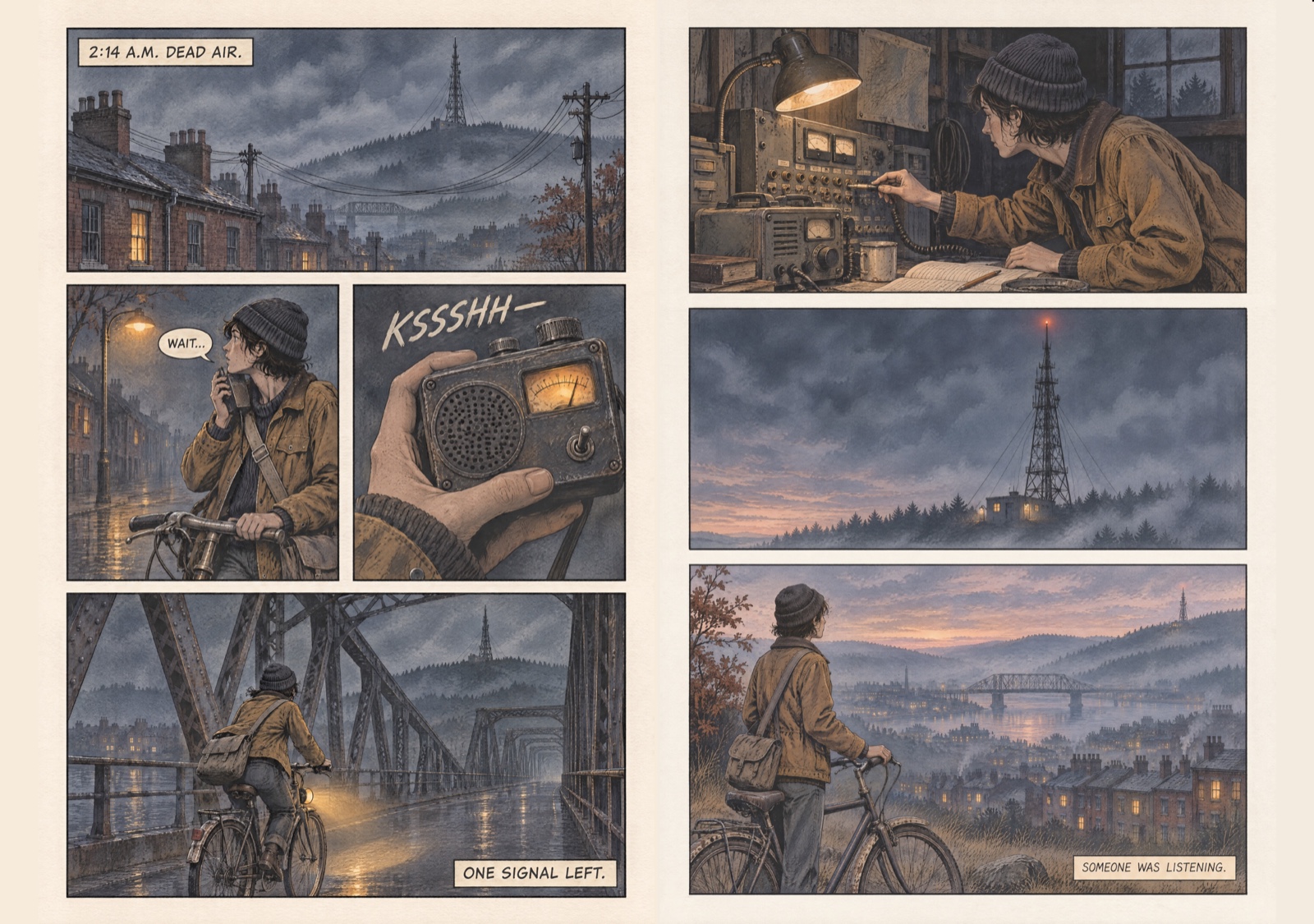
Facing pages fill the wide inner screen in landscape while covers and splash pages stay whole.
Hold iPhone Duo partially open in book pose and inner page edges shift clear of the hinge.
Close it or rotate to portrait and Strips stays right on your current page.
02 · READER
Page curl & guided panels
Drag a responsive page curl with back-of-sheet print on spreads, pinch or double-tap to zoom,
or long-press any panel to launch guided gutter-aware panel reading. Right-to-left manga mode
mirrors spreads, swipes, taps, and panel order per folder.
03 · LIBRARIES
Files, local SMB & offline
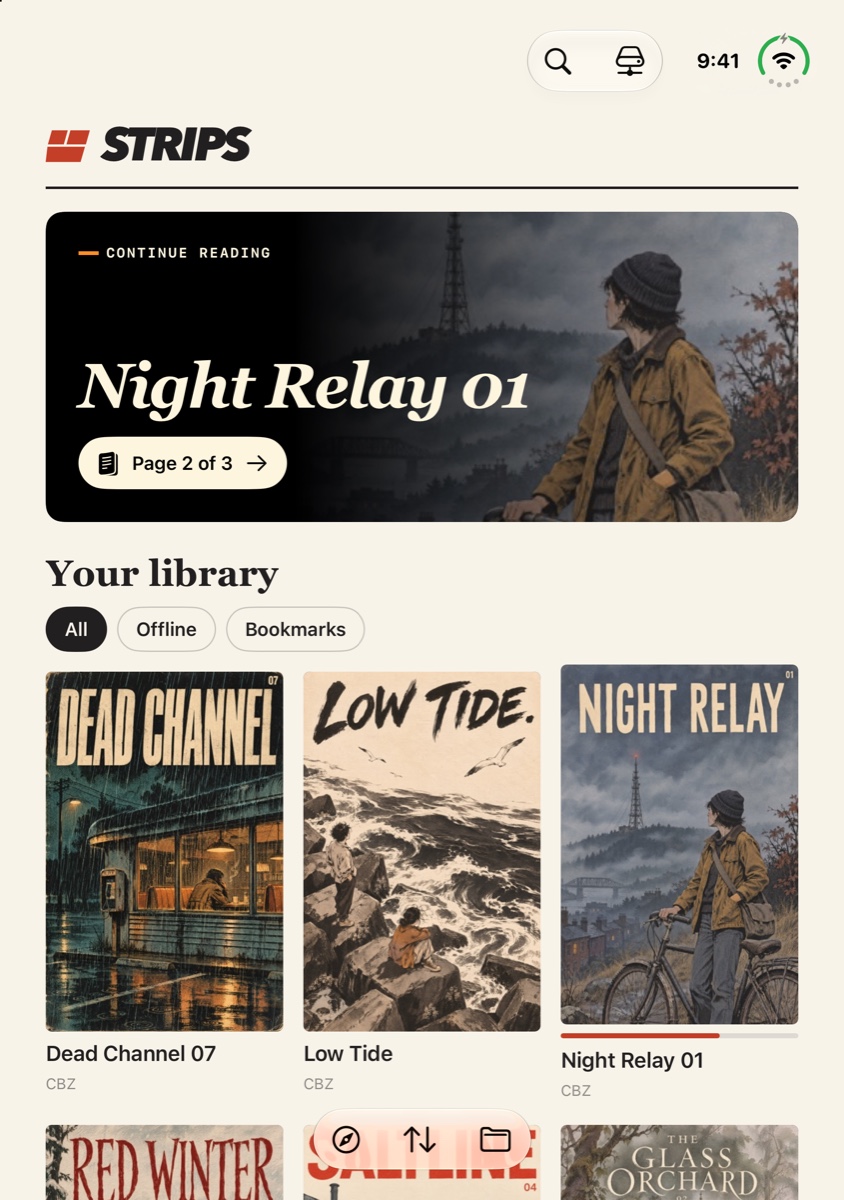
Link a folder from Files or enter an smb:// address on your local network.
Multi-issue folders automatically stack into series with overall progress, and you can
save individual issues or entire series offline before leaving your network.
04 · MYLAR3
Connect your Mylar3 server
Add your self-hosted Mylar3 URL and API key to browse your watchlist, search editions
with language filters, request skipped issues, and batch-download available regular
issues straight onto your shelf.
05 · DISCOVER
On-device recommendations
Find what to read next with local recommendations ranked directly on your device from
shared creators, characters, and genres—plus regional Apple Books Comics charts—with
no account or tracking required.
06 · PRICING
7-day trial & one-time unlock
Try the built-in Night Relay sampler right away, or start the optional 7-day
free trial with your own library—with zero charge when the trial ends. Continued library
access is a single $3.99 one-time purchase with no subscription.